Windows Desktop App · Max Solution
Send one message to every WhatsApp group.
From a single screen.
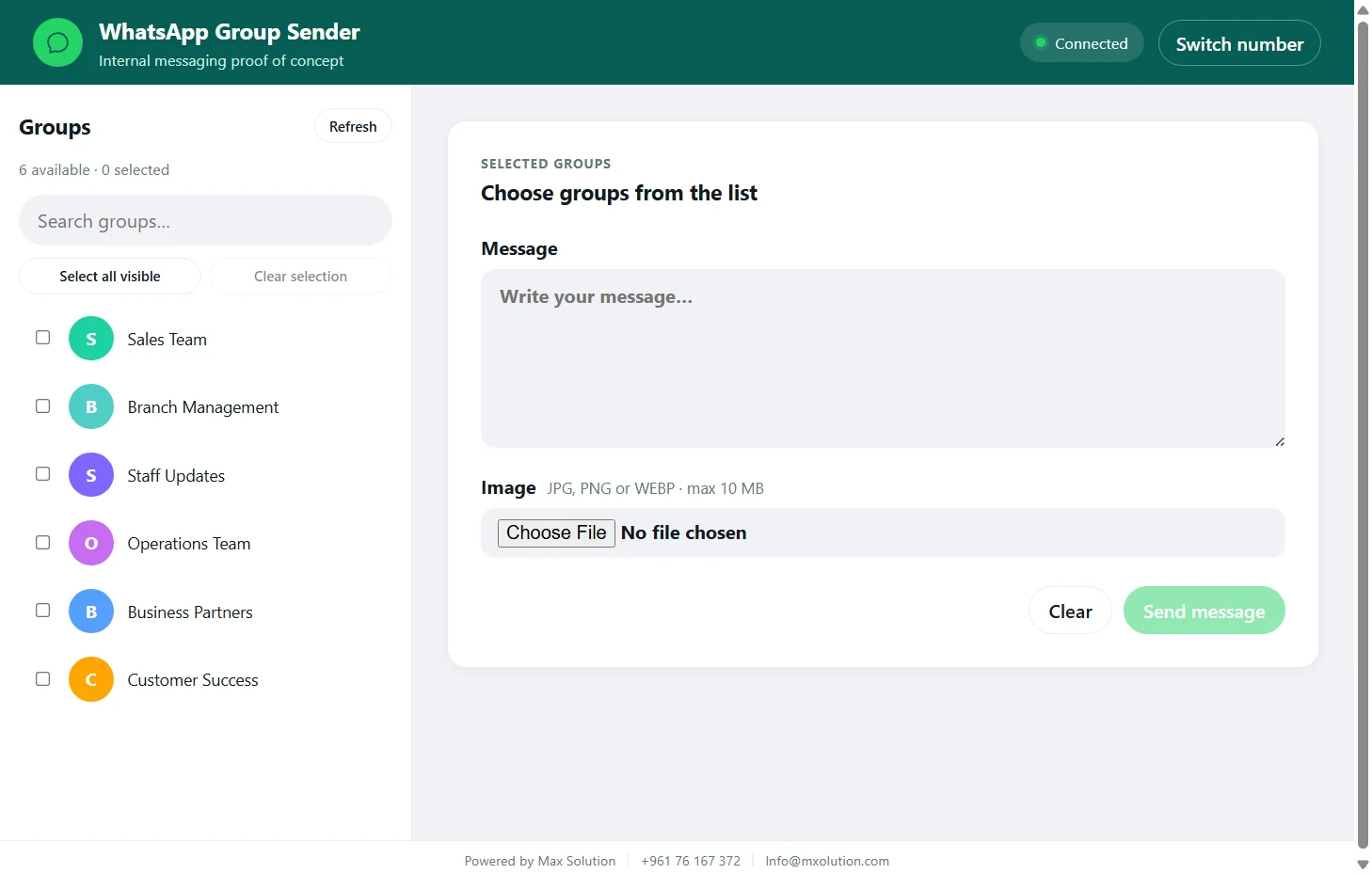
Pick your groups, write your message, attach an image, and watch delivery happen step by step — from one simple, secure app.
- Groups only
- No personal chats or phone numbers ever shown
- Licensed & secure
- Activated with your own serial number
- Session saved
- Connect once, keep working with no repeats
Why Group Sender
Built to save time — not just send messages
- Save time. One message covers every group — no manual repeating.
- Stay organized. A clear send order, not copy-paste chaos.
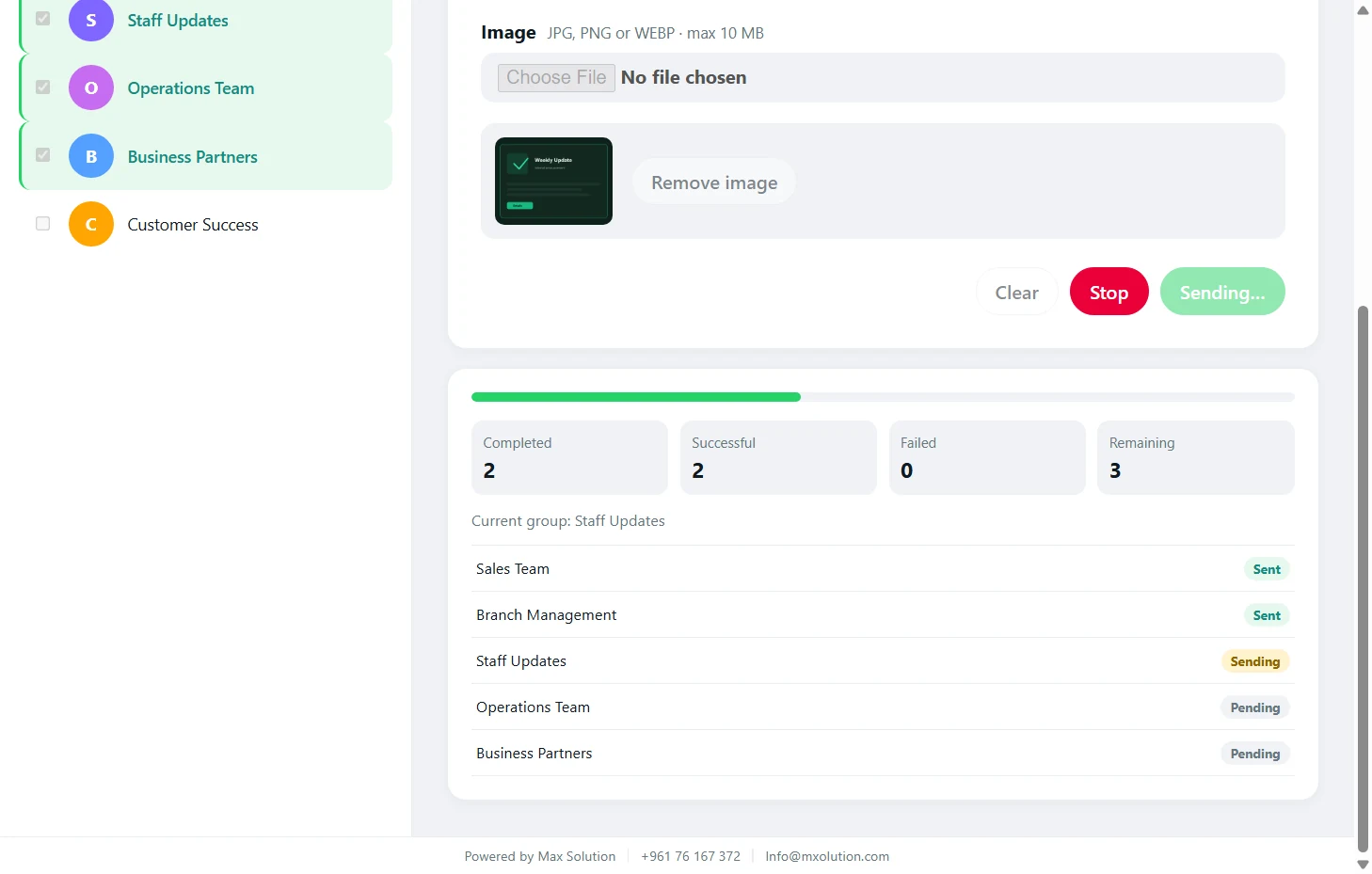
- Track results. Know who received it and who didn't, in real time.
- Stop anytime. Changed your mind mid-send? One click halts everything.
- Privacy kept. Personal chats and phone numbers are never shown.
- License protected. Runs only with a serial number tied to your device.
How It Works
From connection to delivery in three steps
Scan from Linked Devices
Link WhatsApp via QR
One scan — no new number, nothing else to install.
- Sales Team
- Branch Managers
- Internal Support
Choose your groups
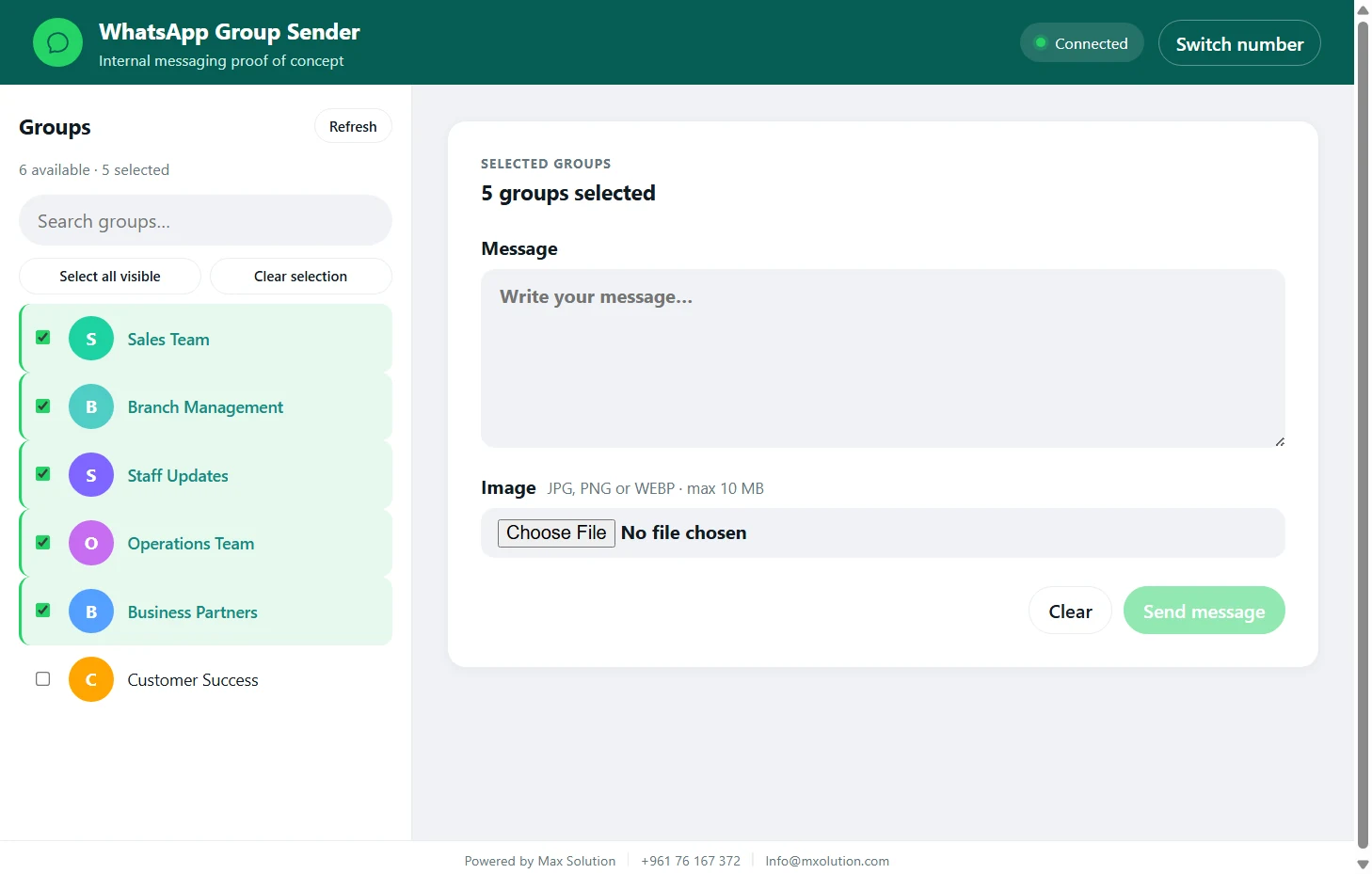
Select one or many with a click — search finds them instantly.
Write, then send
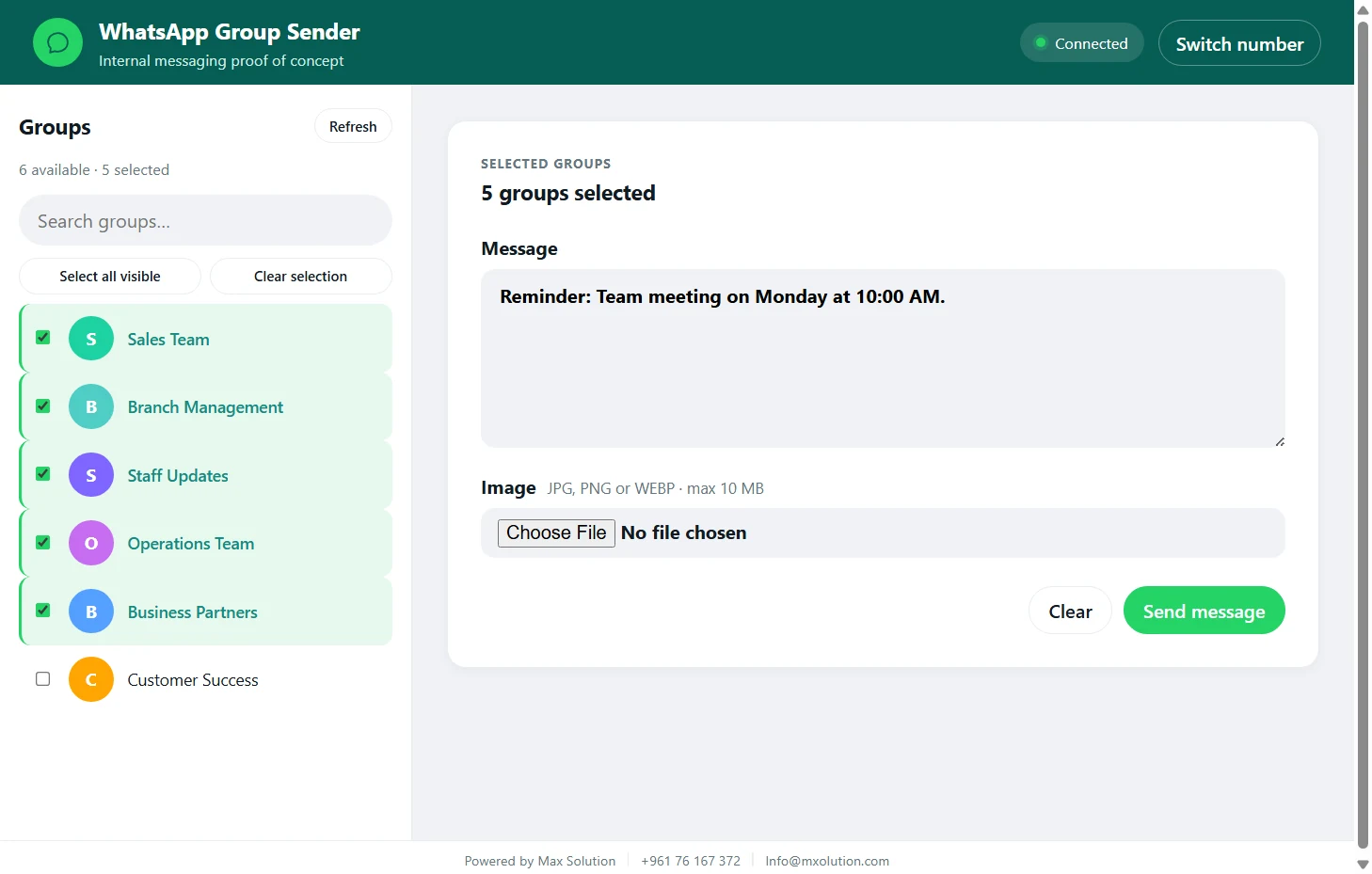
Text or image — delivered in order, with live results as they happen.
Product Tour
Every screen built for one job
Pricing
One plan for however you use it
- Full features, unlocked
- 1 device
- Updates during the trial
- Up to 2 devices
- All updates included
- 24/7 priority support
Prices subject to change · Contact us for multi-branch business pricing
FAQ
Answers before you decide
What is WhatsApp Group Sender?
A Windows desktop app that sends a text message or image to multiple WhatsApp groups you already belong to, in one action instead of repeating it manually in each group.
Does it work on Windows?
Yes, the app is currently built for Windows computers only.
Can I select multiple WhatsApp groups?
Yes. You can select one group or several from your group list and send the same message to all of them in a single run.
Can I send an image with a message?
Yes, you can attach one image with a text caption, and both are sent together to every selected group.
Does it display personal chats?
No. The app only works with groups — it never shows or accesses your personal chats or contacts' phone numbers.
Is it an official WhatsApp or Meta product?
No, the app is independent and is not affiliated with or endorsed by Meta or WhatsApp; it connects through WhatsApp Web in an unofficial capacity.
Can WhatsApp restrict an account?
That's a real possibility with any unofficial or irresponsible use of WhatsApp Web, and it's entirely the user's responsibility — the app makes no guarantee against it.
How is the license activated?
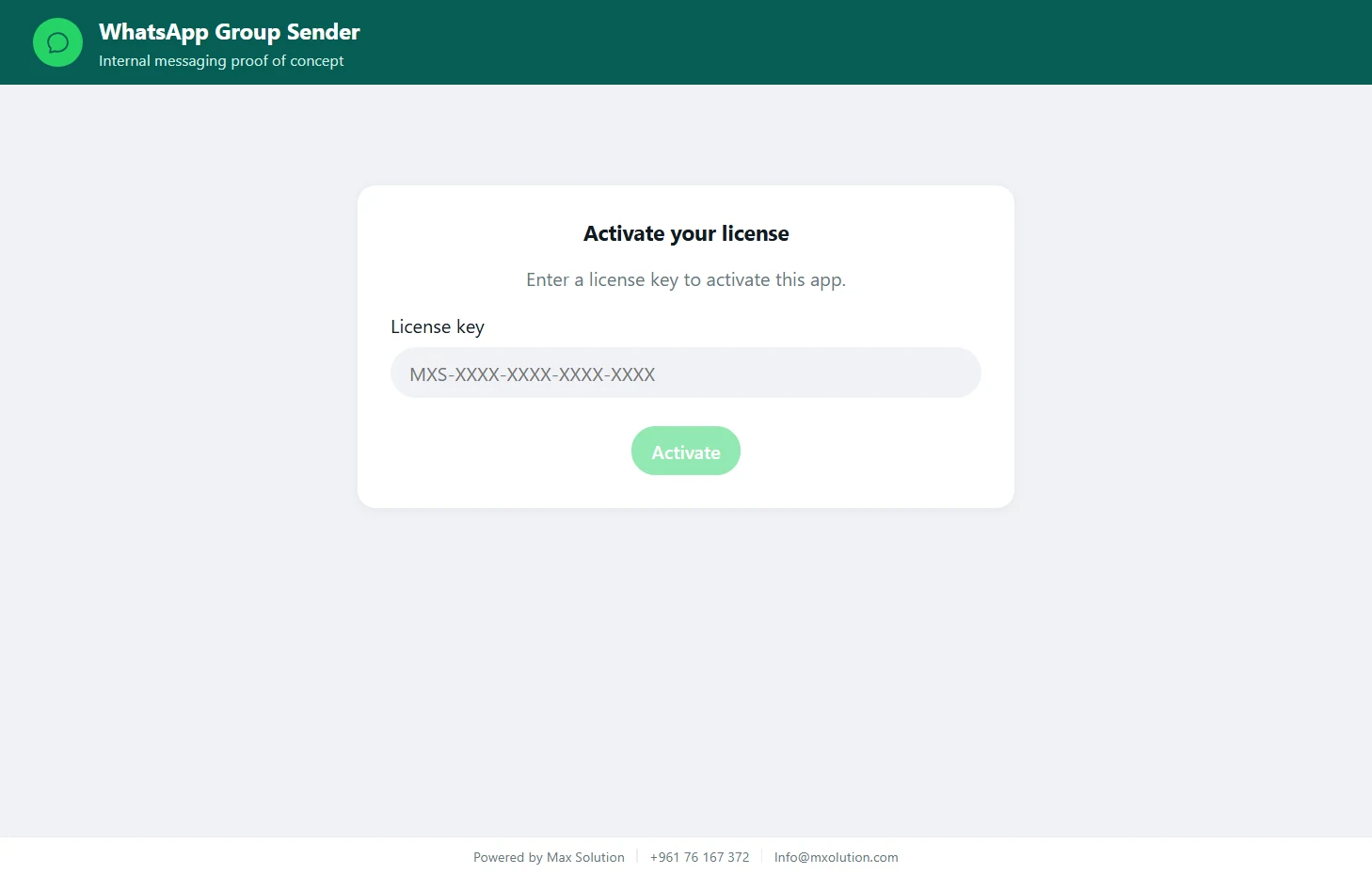
After purchase, you receive a personal serial number to enter inside the app, which links it to your device according to the plan you chose.
Do I need technical experience?
No, the interface is simple and direct — scan a QR code, select groups, write a message, and send.
Important note before you start
This app connects through WhatsApp Web in an unofficial capacity and is not affiliated with or endorsed by Meta or WhatsApp. You are responsible for using it appropriately, including the possibility that WhatsApp may restrict an account for misuse.
Built as part of Max Solution Software
One of Max Solution's products — custom software solutions for businesses and organizations
Discuss a custom project